System Settings
System Settings is the admin configuration hub for all RhythmX integrations and services. It is organized into three tabs: Integrations, DX Clusters, and LDAP & Auth.
Integrations
The Integrations tab configures how RhythmX connects to LogRhythm and external services.
LogRhythm SIEM Integration
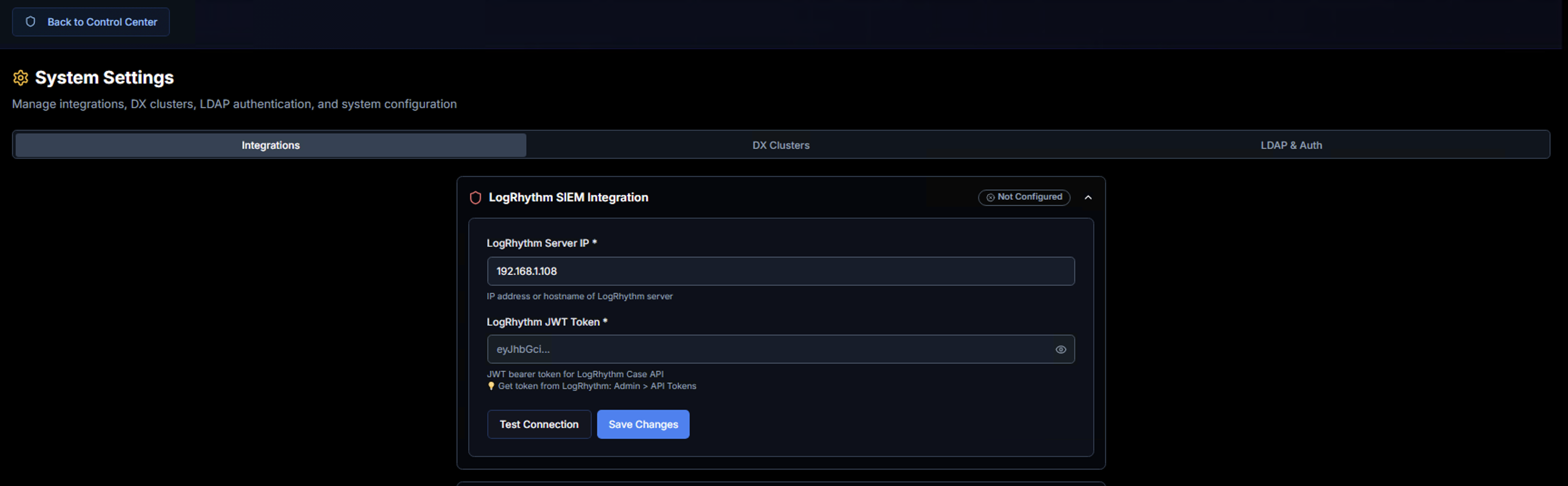
Configure the connection to your LogRhythm platform for case synchronization and API access.
| Field | Description |
|---|---|
| LogRhythm Server IP | IP address or hostname of your LogRhythm server |
| LogRhythm JWT Token | Bearer token for the LogRhythm Case API. Obtain this from LogRhythm Admin > API Tokens |
Use Test Connection to verify connectivity before saving.
LogRhythm SQL Server (Alarms)

Connection to the LogRhythm alarm database for alarm retrieval, actor-based grouping, risk scoring, and MITRE ATT&CK mapping.
| Field | Description |
|---|---|
| SQL Server Host | IP address or hostname of the LogRhythm SQL Server |
| Port | SQL Server port (default: 1433) |
| Username | SQL Server login username |
| Password | SQL Server login password |
| Database | Database containing the Alarm tables (e.g., LogRhythm_Alarms) |
| Retention Days | How long to cache alarms locally (1–365 days) |
| Poll Interval (seconds) | Sync frequency (60–3600 seconds) |
Use Test Connection to validate credentials, View Status to check the current sync state, and Save Configuration to apply changes.
Syslog Forwarding
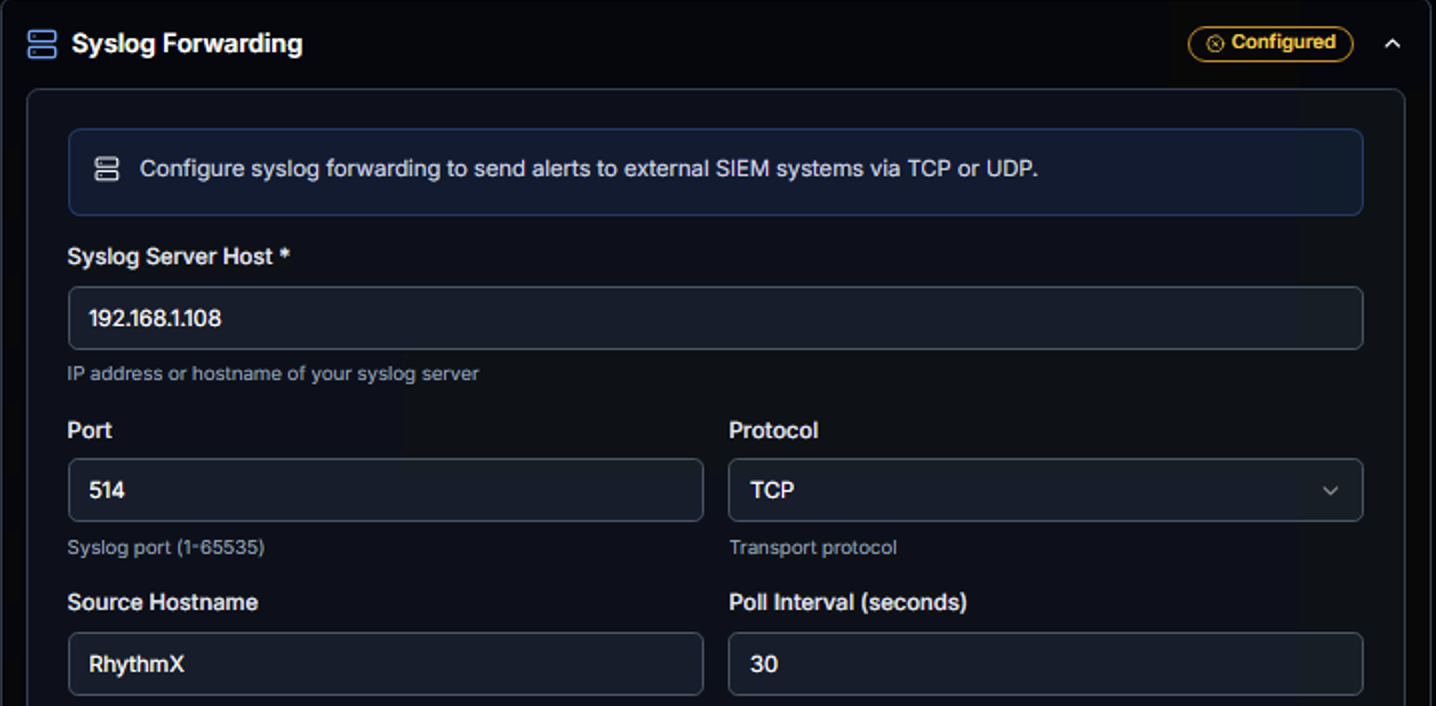
Configure syslog forwarding to send RhythmX detections to external SIEM systems or log collectors.
| Field | Description |
|---|---|
| Syslog Server Host | IP address or hostname of the destination syslog server |
| Port | Syslog port (default: 514) |
| Protocol | Transport protocol — TCP or UDP |
| Source Hostname | Identifier for RhythmX in syslog messages |
| Poll Interval (seconds) | How frequently to forward new detections |
AI/ML Services
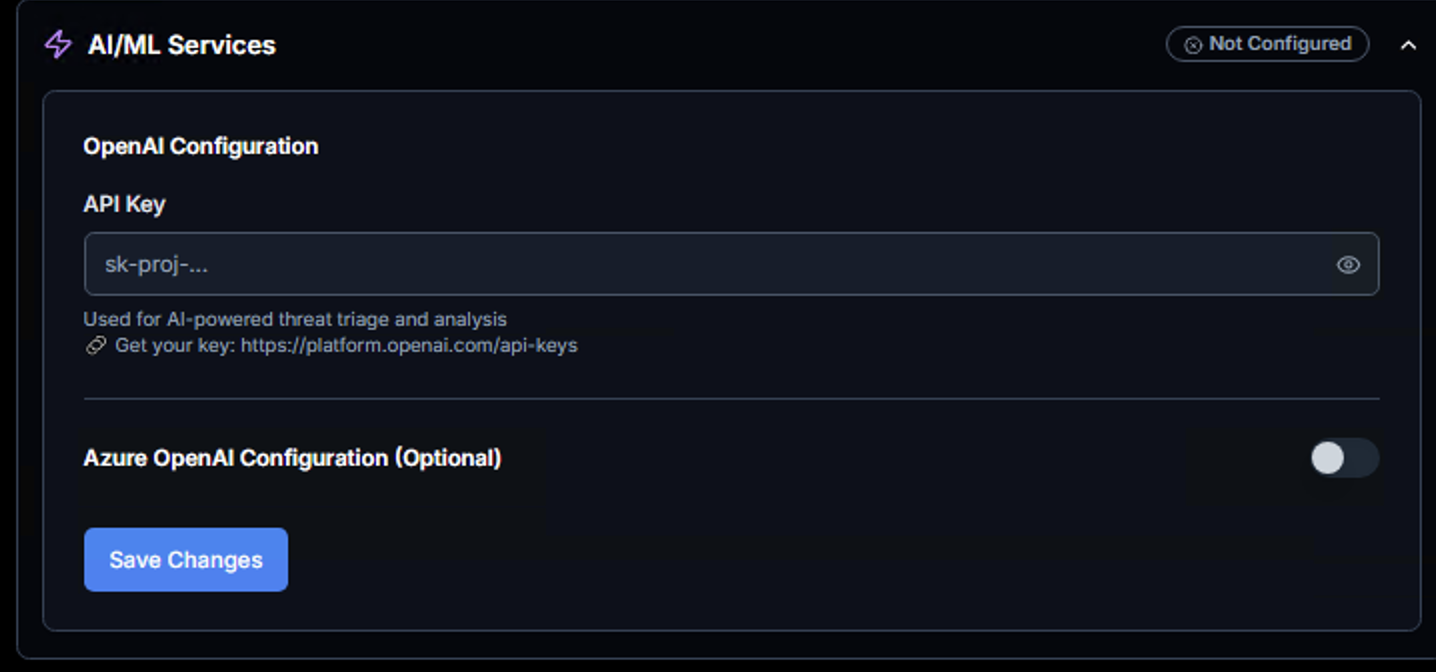
Configure AI-powered threat triage and analysis capabilities.
Data Privacy
AI features are entirely opt-in. No data is sent to any external AI service until you configure an API key here. Without a key, all processing remains fully on-premises.
| Field | Description |
|---|---|
| API Key | OpenAI API key for AI-powered threat analysis |
| Azure OpenAI Configuration | Optional toggle to use Azure-hosted OpenAI instead of direct OpenAI |
DX Clusters
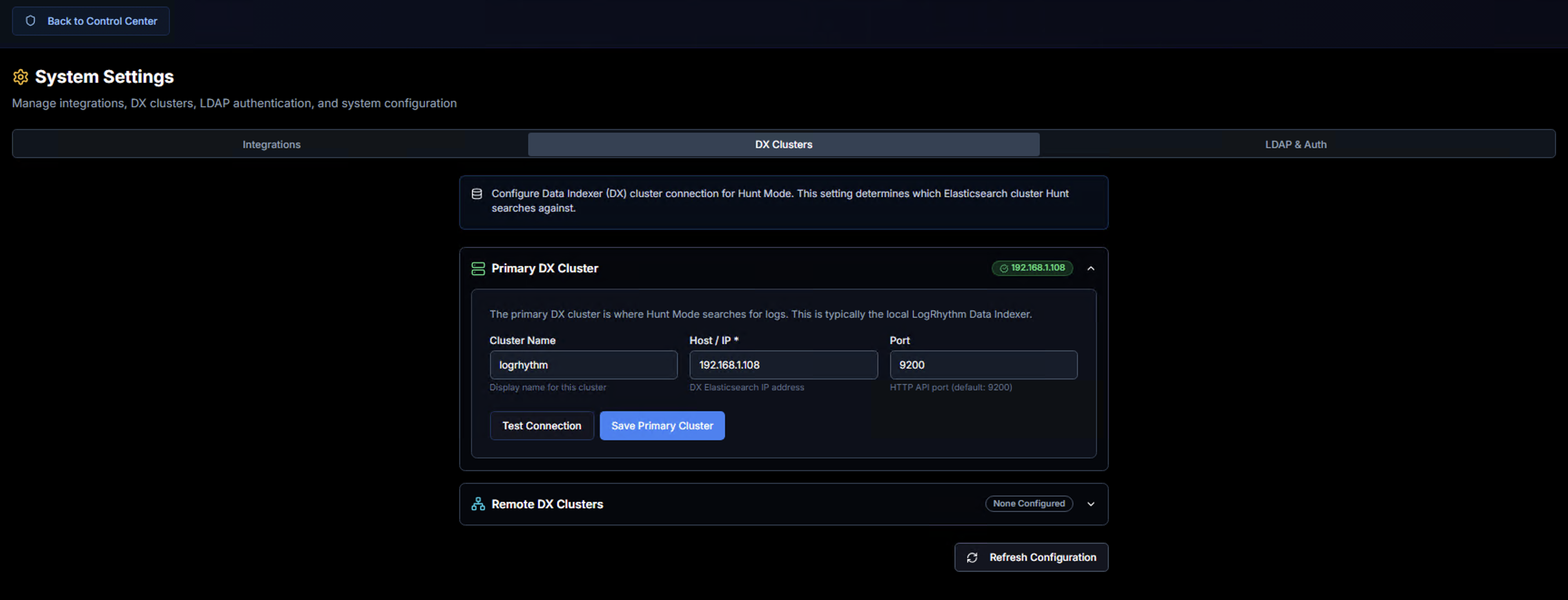
Configure the Data Indexer (DX) cluster connection for Hunt Mode. This determines which Elasticsearch cluster RhythmX queries when performing threat hunting and log searches.
Primary DX Cluster
The primary cluster is typically the local LogRhythm Data Indexer.
| Field | Description |
|---|---|
| Cluster Name | Display name for this cluster |
| Host / IP | DX Elasticsearch IP address |
| Port | HTTP API port (default: 9200) |
Use Test Connection to verify Elasticsearch connectivity and Save Primary Cluster to apply.
Remote DX Clusters
For multi-site deployments, additional remote DX clusters can be configured to enable cross-site threat hunting from a single RhythmX instance.
LDAP & Auth
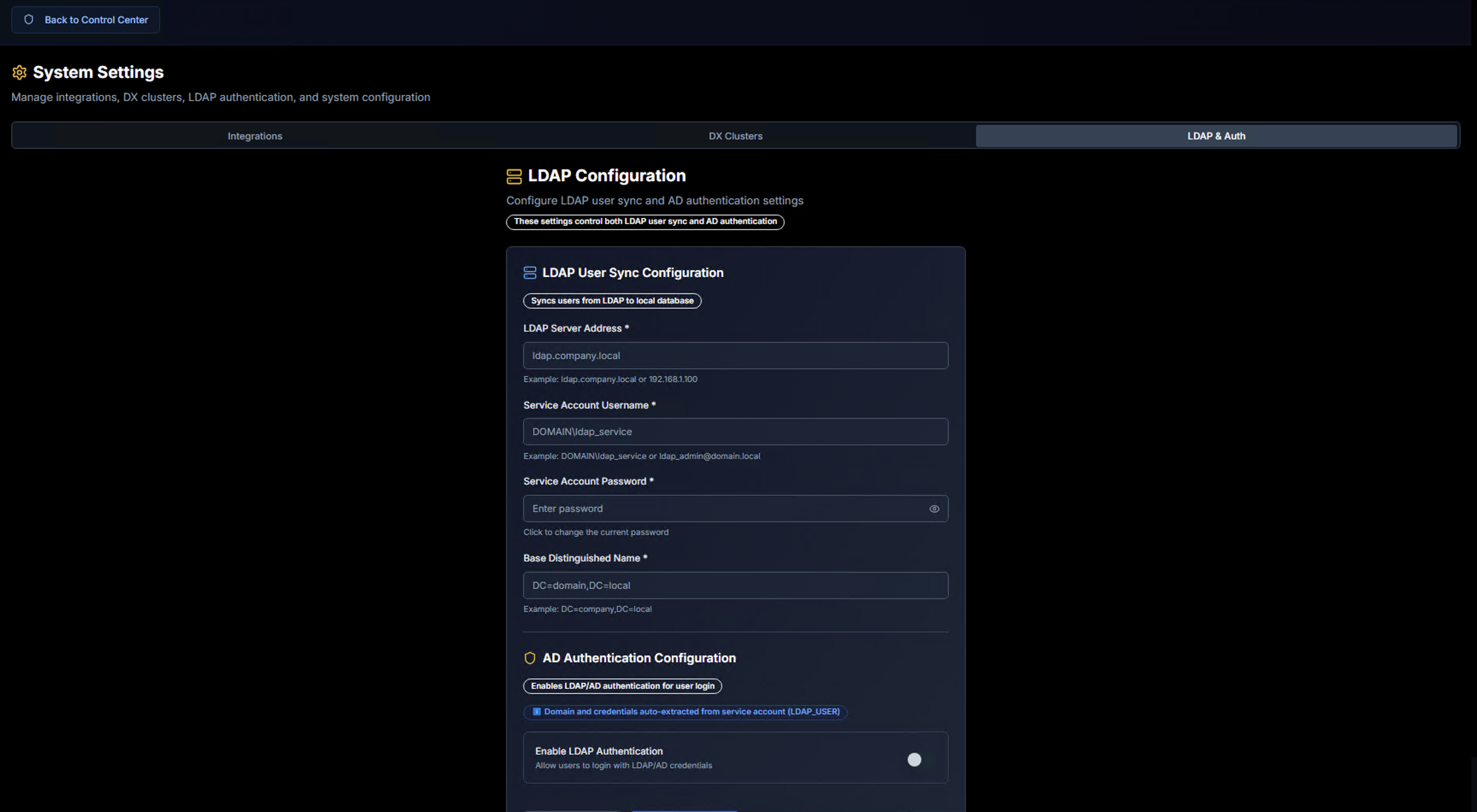
Configure LDAP user synchronization and Active Directory authentication.
LDAP User Sync Configuration
Syncs users from your LDAP directory to the local RhythmX database for entity enrichment and risk scoring.
| Field | Description |
|---|---|
| LDAP Server Address | Hostname or IP of the LDAP server (e.g., ldap.company.local) |
| Service Account Username | LDAP bind account (e.g., DOMAIN\ldap_service) |
| Service Account Password | Password for the LDAP bind account |
| Base Distinguished Name | LDAP search base (e.g., DC=company,DC=local) |
AD Authentication Configuration
Enables LDAP/AD-based authentication for RhythmX user login. When enabled, users authenticate with their domain credentials instead of local accounts. The domain and credentials are extracted from the service account configured above.