Getting Started
Login
Navigate to the RhythmX web interface using your browser:
https://<rhythmx-server-ip>
You will see the RhythmX Security Intelligence Platform login page.
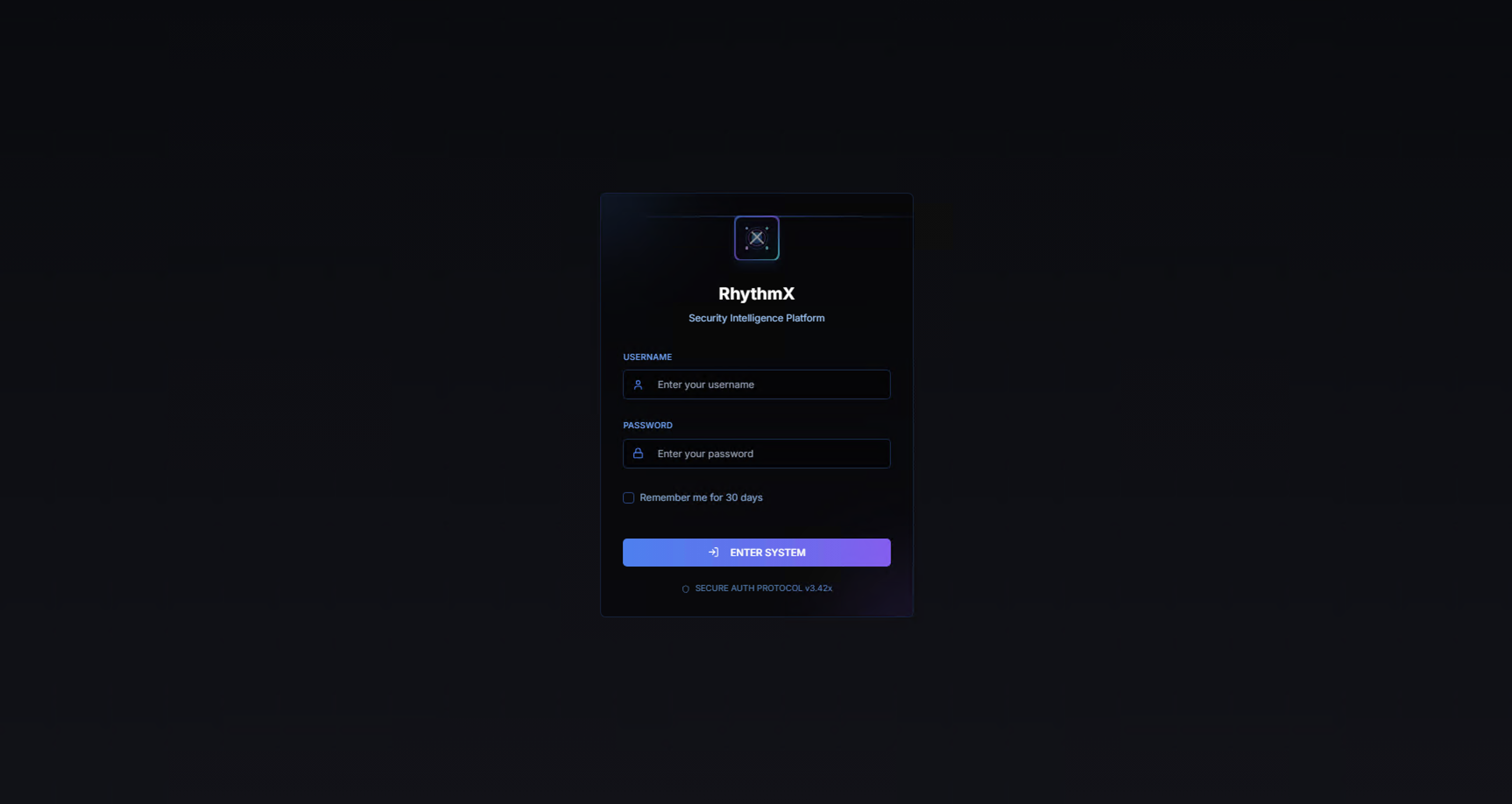
| Field | Value |
|---|---|
| Username | rhythmx |
| Password | Default password provided during installation |
Select Remember me for 30 days to maintain your session, then click ENTER SYSTEM to log in.
After a successful login, you are taken to the Security Control Center — the central hub for all RhythmX modules.
Security Control Center
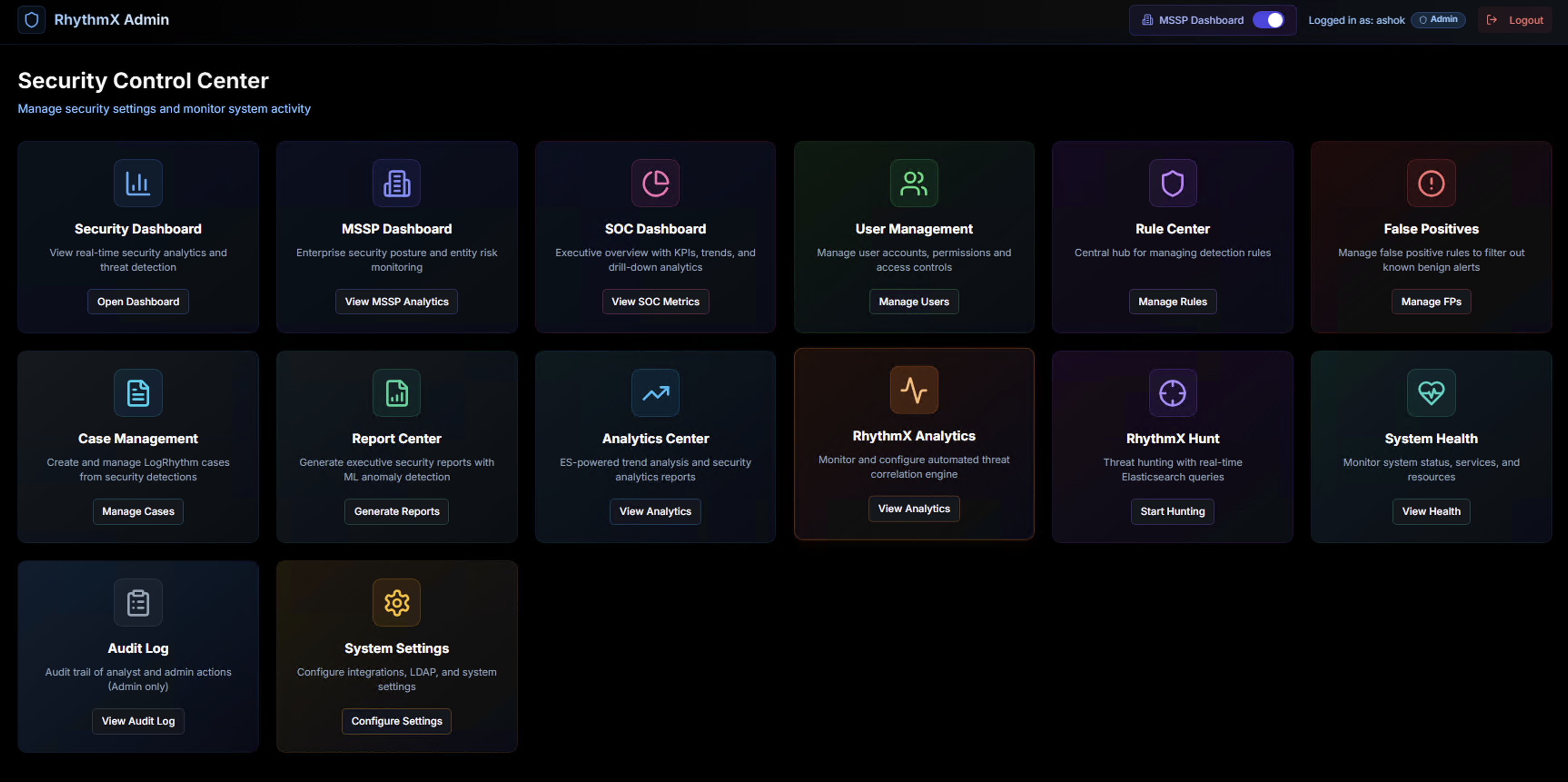
The Security Control Center provides access to every module in the platform. The available modules depend on your role. RhythmX has two primary roles:
- Analyst — focused on detection, investigation, hunting, and reporting
- Admin — full access including system configuration, user management, and audit
Analyst Workflow
Analysts use RhythmX for day-to-day threat detection, investigation, and response. The following modules are available to analysts:
Security Dashboard
Real-time view of security analytics and active threat detections. This is the primary working view for analysts, showing current alerts, severity distribution, and trending threats.
MSSP Dashboard
Enterprise-wide security posture and entity risk monitoring. Provides a consolidated view across all monitored entities with risk scoring and trend analysis.
SOC Dashboard
Executive overview with KPIs, trends, and drill-down analytics. Designed for SOC leads and managers to track operational metrics and team performance.
Case Management
Create and manage LogRhythm cases directly from security detections. When the correlation engine or an analyst identifies a threat, cases are created here and synced back to LogRhythm for unified case management.
Report Center
Generate executive security reports with ML anomaly detection insights. Supports PDF and CSV exports with professional formatting, charts, and executive summaries.
Analytics Center
Elasticsearch-powered trend analysis and security analytics reports. Run aggregations across raw log data to identify patterns, build timelines, and generate histograms.
RhythmX Analytics
Monitor and configure the automated threat correlation engine. View the 21 active use cases, their thresholds, and the cases they have generated.
RhythmX Hunt
Threat hunting with real-time Elasticsearch queries. Search across the full log dataset with flexible queries, filters, and field-level analysis — optimized for large-scale environments.
Admin Workflow
Admins have access to all analyst modules plus the following system configuration and management modules:
User Management
Manage user accounts, permissions, and access controls. Create analyst and admin accounts, assign roles, and control access to specific modules.
Rule Center
Central hub for managing detection rules. View, enable, or disable Sigma rules across all pipelines. Upload custom Sigma rules for Windows, Linux Sysmon, and Linux Auditd.
False Positives
Manage false positive rules to filter out known benign alerts. Create suppression rules based on alert title, field patterns, or specific values. Preview matches before applying to ensure accuracy.
System Health
Monitor system status, services, and resources. View the health of all RhythmX components including ingestion pipelines, detection engine, ML processing, database, and Elasticsearch connectivity.
Audit Log
Complete audit trail of analyst and admin actions. Tracks logins, investigations, configuration changes, exports, and all user activity across the platform. Admin access only.
System Settings
Configure integrations, LDAP, and system settings. This is where admins set up:
- LogRhythm integration — Elasticsearch and SQL Server connectivity
- LDAP configuration — User directory sync for entity enrichment
- Syslog forwarding — Send detections to external destinations
- Platform settings — Session timeouts, retention policies, and general configuration